From 25 February 2026, the monthly limit for AI generations on the Core plan is 10 per user. If you need more AI generations each month, you can upgrade your subscription to the Plus plan, which offers 100 generations per month, or the Ultimate plan, which provides unlimited generations. You can find out more on our Plans & Pricing page or within your account settings.
We've kept it simple: One generation is counted the same, regardless of which AI tool you're using, what type of content you're creating, or what inputs or settings you use.
That means no confusing credits, and no complicated calculations. Just create what you need, how you need it.
Wherever you see a button that says “Generate ✨” or similar, clicking it will use up one of your generations.
For example, things that use a generation include generating or editing an image, video, or audio output, creating a custom style, or generating a video start/end frame image.
Variations of this button may include “Generate Style ✨” or “Generate Changes ✨” among others that may be introduced or updated from time to time.
There are a few actions that won’t count as a generation - things like uploading reference images, enhancing your prompt, cropping an image - these will not have a “Generate ✨” related button.
A few more things to know:
- If clicking a “Generate ✨” related button results in multiple output options (e.g. one image prompt returning 3 variations), that still counts as only one generation used.
- If a request fails (e.g. due to an error, or blocked for moderation reasons), this won’t use up a generation, and should be automatically restored within 2 hours. If not, feel free to reach out to our Support team.
- Generation limits automatically refresh monthly, based on your subscription start date. For annual plans, this means if you subscribe on the 18th of January, your generation limits will refresh on the 18th of every month.
- Unused generations do not roll over to the next month.
- If you hit your monthly limit, you can upgrade to a higher plan anytime to keep creating, or wait until your next monthly reset for generations to refresh.
- As Gen AI continues to rapidly evolve and develop, we may update or align how generations are counted in the future.
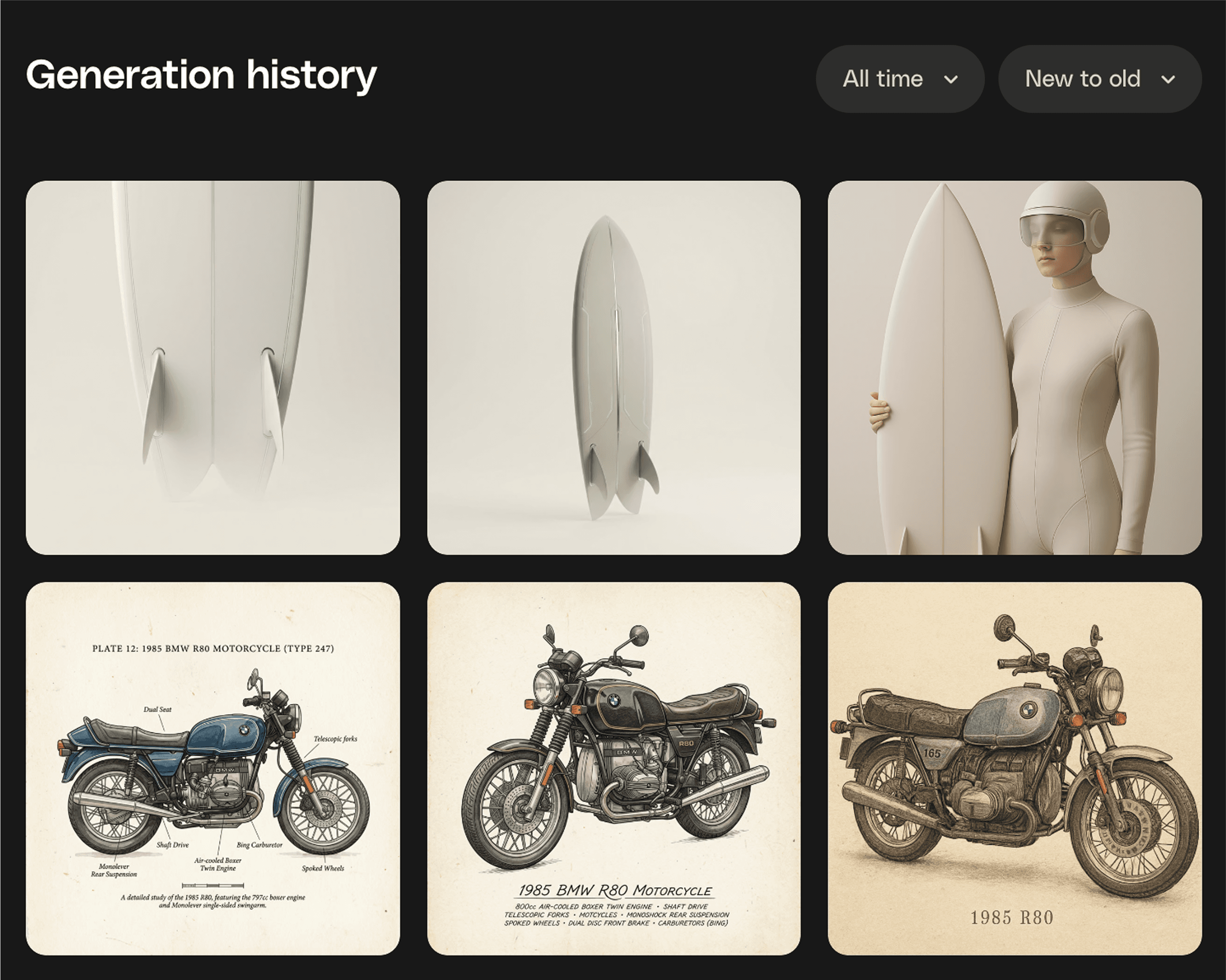
Generation history
Every generation, right where you need it! Because your best ideas shouldn’t disappear into the void. Generation History puts every AI creation in one spot, ready to revisit, refine, or take somewhere new. Think of it as your creative breadcrumb trail. Follow it back, grab what works, and keep building. Download, or save it to Workspaces to stay beautifully organised.